The Secrets AI Video Generator: A Practical Guide to Creating Companion Videos
Secrets AI's video generation capability is genuinely unusual in the AI companion market. Most platforms in this category — including Character.AI, CrushOn AI, and Janitor AI — offer text conversation and possibly image generation. Converting those images into motion clips is something only a handful of platforms attempt, and Secrets AI has the most accessible implementation among mainstream options.
This guide covers the mechanics of how video generation works, the Moments cost at each tier, realistic quality expectations, and who should actually use this feature.
For the full platform overview, see the full review. For how video access ties to subscription tier and Moments allocations, see the pricing and Moments page.
The Feature in Plain Terms
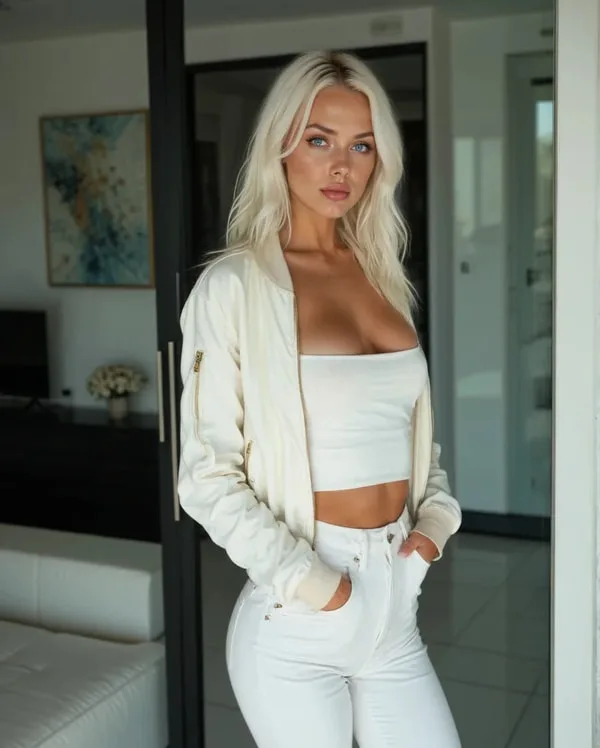
The Secrets AI video generator takes an existing companion image and turns it into a short motion clip based on a text prompt you write. The AI applies movement to the image — facial expressions, body motion, environmental elements — producing a video that shows your companion moving rather than just posing.
What you need to start:
- A Lite subscription or higher (free plan cannot access video generation)
- An existing companion image (auto-generated when you create a character, or generated separately)
- Sufficient Moments to cover the clip cost
The process:
- Select a companion image from your character profile
- Write a text prompt describing the action, movement, or scene
- Submit the generation request
- Wait approximately 2 minutes for processing to complete
- The finished clip appears in your character media gallery
The video reflects the companion's appearance from the source image. The motion prompt controls what happens in the clip. More specific prompts produce more controlled results.
Realistic Quality Assessment
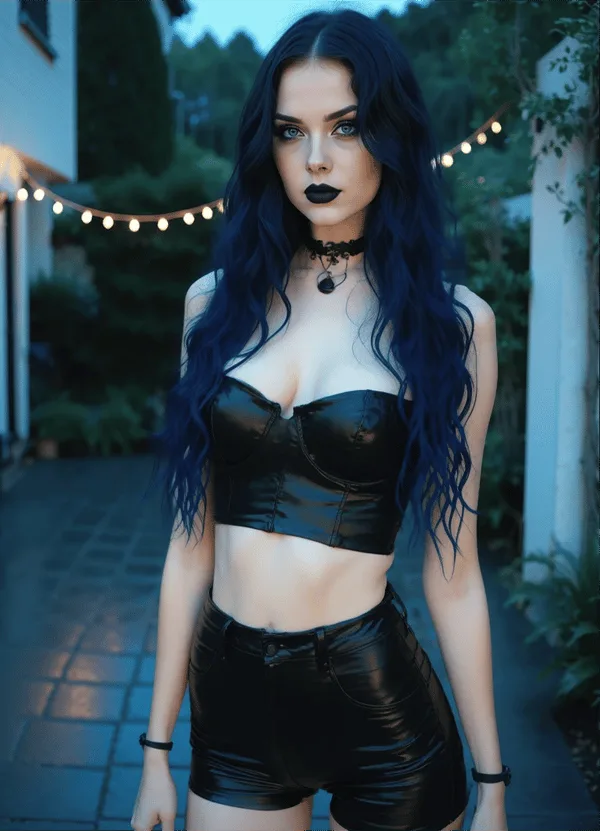
Independent reviewers rate Secrets AI video quality at 4.1 out of 5. Here is what that translates to in practice:
What works well: Character motion is smooth in typical outputs. Facial expressions appear natural and consistent with the character's established appearance. Short clips maintain quality more consistently than long ones. The character's visual identity from the source image carries through to the video — there is no uncanny valley mismatch between image and video versions.
What varies: Complex prompt scenarios with unusual movements produce more variable results. Some clips have minor motion artifacts or brief inconsistencies in peripheral areas. The overall quality is above what was possible with similar AI video tools one to two years ago, but it is not production-level cinema.
Quality improvement path: The advanced generation model available on Premium tier produces noticeably better output than the standard model. Using Premium-quality source images as the starting point also improves video results.
Moments Costs: The Budget Reality
Video is the most Moments-expensive feature on the platform. The cost structure:
Short clips (approximately 3 seconds): ~50 Moments each. Available on Lite tier and above.
Full/standard clips (longer duration): ~600 Moments each. Best quality on Premium and Ultimate tiers.
To put these numbers in context with other features:
- A text message costs 1–2 Moments (essentially negligible)
- An image generation costs 25–50 Moments
- A voice call costs 100 Moments per minute
- A short video costs ~50 Moments (same as a single image at the high end)
- A full video costs ~600 Moments (same as 12+ images or 6 minutes of voice)
The 600 Moments cost for a full clip is real money to track against your monthly allocation. On the Lite plan with 1,000 Moments per month, one full video clip consumes 60% of the monthly allocation. Plan accordingly.
Monthly Video Capacity by Subscription Tier
How many videos you can make per month depends entirely on your tier's Moments allocation and how you balance video against other media use:
Lite (1,000 Moments/month):
If video is your only use: approximately 1–2 full clips or 20 short clips per month.
In practice with mixed use: typically 1 full clip per month alongside basic image use.
Plus (3,000 Moments/month):
If video is your only use: approximately 5 full clips or 60 short clips.
In practice with mixed use: 3–4 full clips alongside regular image generation.
Premium (8,000 Moments/month):
If video is your only use: approximately 13 full clips or 160 short clips.
In practice with mixed use (100 images + 5 videos + 30 min voice): approximately 7,500 Moments, leaving 500 buffer.
Ultimate (15,000 Moments/month):
If video is your only use: approximately 25 full clips or 300 short clips.
In practice: the most headroom for combined heavy video and image use.
The Moments cost of video is the main reason the platform recommends Premium or Ultimate for users who want regular video generation as a primary activity.
Tips for Better Video Output
Five practices that consistently improve results:
Generate source images specifically for video use. Images generated with the advanced model at high quality settings produce better video than lower-quality source images. Invest Moments in better source material if video is a priority.
Write directional prompts. "She slowly turns her head toward the camera and smiles" outperforms "look at me" or "be friendly." Direction — camera angle, movement axis, facial expression change — produces more predictable results than mood-based descriptions.
Test with short clips before committing to full clips. Short clips cost ~50 Moments versus ~600 for full. For an unfamiliar prompt style or new source image, a short clip test is a 92% Moments saving if the prompt doesn't work as expected.
Use scene-matched prompts. If your conversation has established a specific scenario or setting, write the video prompt to match that context. The AI incorporates scene context into motion generation when the prompt reflects it.
Stay simple on the first attempt. Overly complex prompts with multiple simultaneous movements often produce less consistent results than focused single-motion descriptions. Master simple prompts before attempting elaborate sequences.
The Competitive Context: Why Video Matters
The video generation feature is worth understanding in context. Across the primary AI companion platforms:
Character.AI — The largest AI chatbot platform by user base, with strong brand recognition. No video generation. Text-only interaction.
CrushOn AI — Zero-filter content policy, 500,000+ characters. No video generation.
Janitor AI — Free with own API key, strong conversation quality. No video generation.
Candy AI — Highest image quality in the category, strong visual focus. Video capability is present but less developed.
Replika — Emotional companion platform with native app availability. No video generation.
For users who want their AI companion to produce video content — motion clips, not just static images — Secrets AI's implementation is the most accessible and developed mainstream option. This is not a minor feature distinction; it represents a fundamentally different type of content output that most competitors simply do not offer.
The all features overview documents the complete platform capability set including video generation in the context of the broader feature architecture.
FAQ
Short clips are approximately 3 seconds and cost around 50 Moments. Standard/full clips are longer and cost approximately 600 Moments each. The platform does not publish a maximum duration specification for full clips.
No. Video generation requires a Lite subscription ($5.99/month) or higher. The free plan provides 200 one-time Moments and text chat only — image and video generation are not available without a paid subscription.
With the Plus plan (3,000 Moments): approximately 5 full clips per month if video is the primary use. With Premium (8,000 Moments): approximately 13 full clips per month with room for images and voice alongside. See the monthly capacity section above for full tier breakdown.
Rated 4.1/5 by independent reviewers. Motion is smooth in most outputs, facial expressions appear natural, and character consistency between source image and video is maintained. Quality varies by source image quality and prompt specificity. The advanced generation model (Premium tier) produces the best results.